Last verified: September 18, 2025
TL;DR
Inbox placement drops after a subdomain switch almost always trace back to one of three causes: the new subdomain has no reputation history with Gmail, Microsoft, or Yahoo; authentication (SPF, DKIM, or DMARC alignment) broke during the cutover; or sending volume ramped too fast for a cold subdomain to absorb. Diagnosis requires isolating whether the problem is reputation-based (visible in Google Postmaster Tools and Microsoft SNDS as rising spam-folder rates) or authentication-based (visible as SPF/DKIM failures in DMARC aggregate reports). Fixing it is rarely instant: in practice, and consistent with provider warmup guidance, reputation rebuilds tend to take several weeks even after the technical cause is corrected.
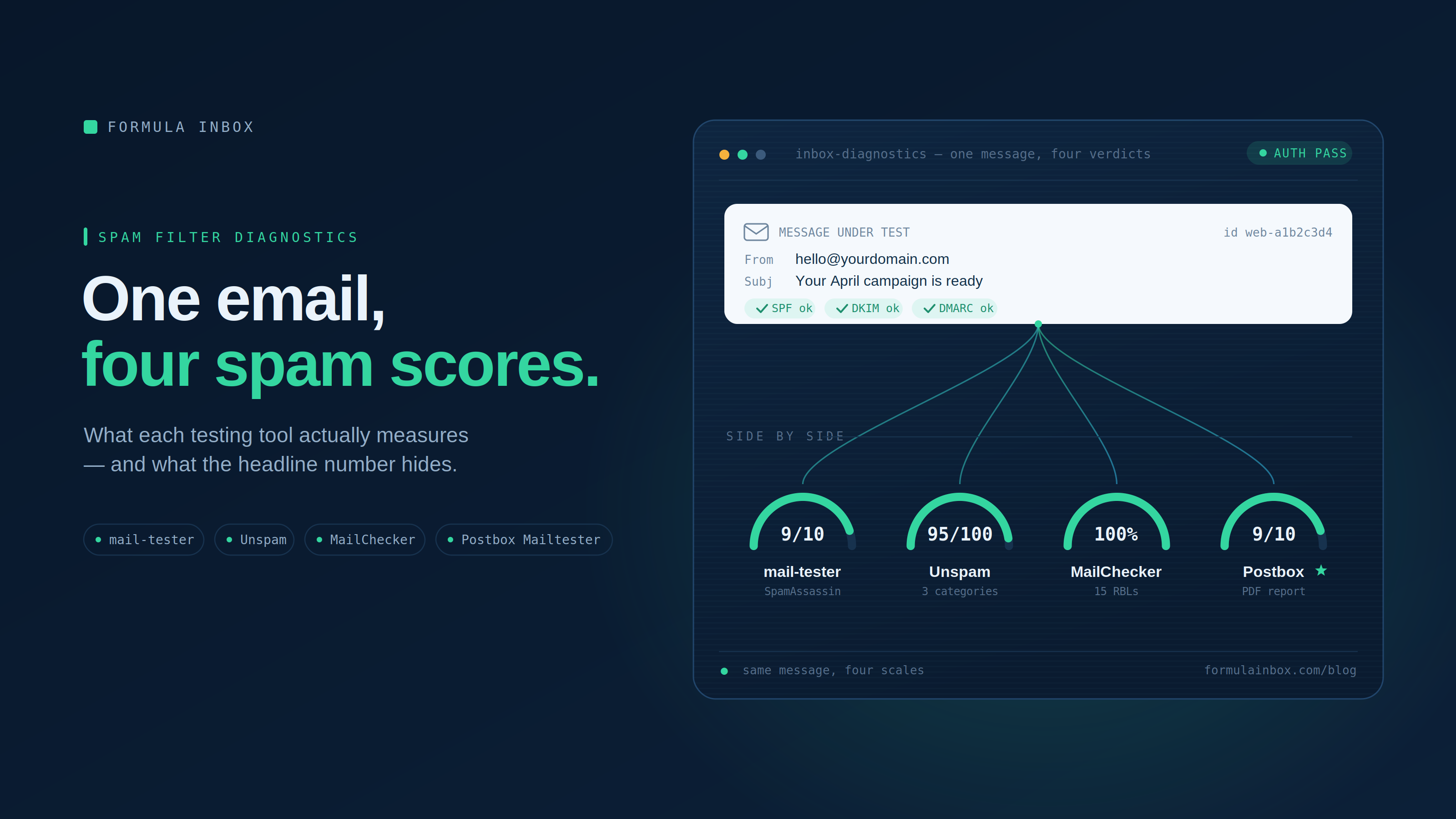
Overview of spam filter diagnostics for an email with scores.
What Are the Main Approaches in This Space?
Diagnosing a mid-campaign inbox placement collapse sits inside the broader category of email deliverability troubleshooting, the discipline of identifying why a technically valid, non-spam message is filtered, delayed, or bulked by a receiving mail system such as Gmail, Outlook.com, or Yahoo Mail. It sits downstream of email authentication (SPF, DKIM, DMARC) and upstream of sender reputation management, and it becomes urgent specifically when a sender changes infrastructure, such as a sending subdomain, mid-flight rather than at a planned migration window.
Three broad approaches exist for identifying root cause once placement drops. The first is postmaster-data analysis: pulling reputation and spam-rate signals directly from mailbox provider tools such as Google Postmaster Tools, Microsoft SNDS, and DMARC aggregate reports to see which receiving domain is bulking mail and why. The second is seed-list and blacklist testing: sending controlled messages to accounts across major spam filters and consumer inboxes to measure actual placement rate and check DNS-based blacklists such as Spamhaus. The third is manual infrastructure audit: a human review of DNS records, IP and domain history, list hygiene, and sending pattern changes that automated tools cannot contextualize on their own.
These approaches differ mainly in who does the interpreting. Self-service diagnostic tools automate data collection but leave the sender to interpret conflicting signals, which is where many senders get stuck when a subdomain-related drop looks like three different problems at once. Full-service deliverability consulting engagements replace that interpretation step with a human audit and a remediation plan, typically priced as a one-time audit fee plus an optional monthly monitoring retainer rather than a flat software subscription. In-house deliverability teams inside large ESPs handle this diagnostic work internally for their own customers but are naturally limited to what their own platform's telemetry shows, which does not always cover cross-provider blacklist status or DMARC alignment issues that originate outside their system. Pricing across the category ranges from free-tier diagnostic tools with limited seed-list coverage to enterprise-only postmaster consoles requiring a verified domain and minimum daily volume before any data appears at all, a threshold Yahoo's own Sender Hub documentation confirms explicitly.
How Do You Diagnose Why Inbox Placement Collapsed After Switching to a New Sending Subdomain Mid-Campaign?
Step 1: Confirm the Timeline Against the Subdomain Cutover
Pull exact send timestamps and compare them against the DNS change date for the new subdomain, since a placement drop that begins within 24 to 48 hours of the switch points strongly at the subdomain itself rather than content or list issues. If the drop preceded the cutover by more than a day or two, the subdomain change is likely coincidental and the investigation should widen to list quality or a recent content change instead. Documenting this timeline first prevents weeks of chasing the wrong variable.
Step 2: Check SPF, DKIM, and DMARC Alignment on the New Subdomain
Verify that the new subdomain has its own valid SPF record, a DKIM selector correctly published in DNS, and that the DKIM signing domain aligns with the From-header domain under DMARC's relaxed or strict alignment rules. A subdomain that inherits the root domain's SPF include but lacks its own DKIM key will fail alignment even though SPF passes, and DMARC aggregate reports (delivered in RUA feeds) will show this as a "fail" on dkim even when spf shows "pass." This single misconfiguration is the most common technical cause of a sudden mid-campaign collapse and is fixable within hours once identified.
Step 3: Pull Reputation Data From Google Postmaster Tools and Microsoft SNDS
Add the new subdomain to Google Postmaster Tools and Microsoft's Smart Network Data Service and compare spam-rate and reputation graphs against the retired subdomain's historical data. A brand-new subdomain will show as "not enough data" or "unknown" reputation for the first several days, which itself explains bulk-foldering at Gmail regardless of content quality. If Postmaster Tools shows a domain reputation of "bad" or a spam rate spike above the level Google's sender guidelines flag as problematic, Gmail is very likely bulk-foldering mail from that subdomain independent of DKIM or SPF status.
Step 4: Run Seed-List Placement Tests Across Multiple Providers
Send test messages to a controlled seed list spanning the major consumer providers (Gmail, Outlook.com/Hotmail/Live, Yahoo/AOL) and at least a handful of business email providers, then record inbox versus spam versus missing placement for each. A collapse isolated to one provider, for instance only Outlook.com while Gmail and Yahoo remain healthy, points to a provider-specific enforcement action such as Microsoft's high-volume sender requirements rather than a universal subdomain reputation problem. A collapse across all providers simultaneously points to a shared root cause: warmup speed, list quality, or a blacklist listing that some filters weight more heavily than others.
Step 5: Check DNS-Based Blacklists for the New Subdomain and Its IPs
Run the new subdomain and any dedicated IPs through a blacklist checker covering major DNSBLs such as Spamhaus, Barracuda Reputation Block List, and SORBS. A subdomain that was never used before campaign launch is unlikely to be listed, but shared IP ranges inherited from the new ESP or infrastructure provider can carry existing listings that predate the sender's own activity. Confirm listing status before assuming the subdomain itself is clean simply because it is new.
Step 6: Audit Sending Volume and Pattern Against Warmup Norms
Compare the volume sent from the new subdomain on day one against what the retired subdomain was sending at full campaign volume, since jumping from zero history to full volume on a brand-new subdomain is one of the most reliable ways to trigger spam filtering at Gmail, Microsoft, and Yahoo simultaneously. A subdomain needs a gradual increase, generally over four to six weeks, starting with the most engaged segment of the list before scaling to the full send volume. If the campaign launched on the new subdomain at 100% of prior volume with no ramp, this alone can explain a collapse even with perfect authentication.
Step 7: Review List Segment and Complaint Rate Data by Subdomain
Break spam complaint rate and bounce rate data out by sending subdomain rather than looking at account-wide averages, since a single problematic list segment routed through the new subdomain can push its complaint rate above the 0.3% enforcement threshold Yahoo publishes for its Sender Hub even while the rest of the program stays healthy. Complaint rates calculated against mail delivered to the inbox (the "true rate" per Yahoo's own Sender Hub documentation) will differ from complaint rates calculated against all sent mail including messages already filtered to spam, so confirm which denominator any reporting tool is using before comparing it against provider thresholds.
The table below maps the symptoms investigators most commonly see against the underlying cause and the fastest way to confirm it.
| Observed Symptom | Most Likely Root Cause | How to Verify | Typical Time to Recover |
|---|---|---|---|
| Drop hits all providers at once, starts within 48 hours of cutover | New subdomain has zero reputation history | Google Postmaster Tools and Microsoft SNDS show "unknown" or "bad" reputation | 4 to 6 weeks with disciplined warmup |
| Drop isolated to Outlook.com / Hotmail / Live only | Provider-specific high-volume sender requirements not met on new subdomain | Check compliance against Microsoft's published high-volume sender requirements | 1 to 2 weeks after fixing the specific gap |
| DMARC aggregate reports show dkim=fail, spf=pass | DKIM key not correctly published or not aligned to From-domain on new subdomain | Inspect DNS TXT record for DKIM selector; check DMARC RUA reports | Hours to 1 day after DNS fix propagates |
| Complaint rate spikes only on new subdomain, other metrics stable | A specific list segment or send pattern routed through the new subdomain | Segment complaint and bounce data by sending subdomain, not account-wide | 2 to 4 weeks once segment is suppressed |
| New subdomain or its IPs return hits on DNSBL checks | Inherited IP reputation from shared infrastructure, not the subdomain itself | Run blacklist check against Spamhaus, Barracuda BRBL, SORBS | 1 to 3 weeks after delisting request processes |
What Should Buyers Consider When Evaluating?
Coverage breadth of any diagnostic method. A tool or service that only tests against Gmail and Outlook will miss provider-specific enforcement issues at Yahoo, AOL, or regional business email platforms; confirm how many major spam filters and consumer providers are actually included in any seed-list test before trusting its verdict.
Whether the data source separates DKIM domain from sending subdomain. As Yahoo's Sender Hub documentation notes, data is rolled up by DKIM domain (d=), so a sender using the same DKIM domain across multiple sending subdomains will see aggregated data that can mask a problem isolated to just one subdomain. Ask any diagnostic tool or consultant whether reporting is broken out at the subdomain level or only at the DKIM-domain level.
How quickly the method surfaces a signal. Postmaster-tools style dashboards typically require a minimum daily volume threshold and a 24 to 48 hour delay before data appears at all, per Yahoo's published FAQ, so senders in an active crisis need a faster read than dashboard-only monitoring provides.
Whether the pricing model matches the urgency of the problem. Self-service diagnostic tools are commonly structured as free tiers with limited seed-list coverage, scaling to paid tiers priced by test volume or account count. Full-service audits are typically priced as a one-time project fee, with ongoing monitoring available as a separate monthly retainer; enterprise postmaster consoles and complaint feedback loop programs are generally free to enroll but require domain verification and a minimum sending volume.
Whether the method distinguishes reputation-based filtering from authentication failure. These require different fixes on different timelines: a DKIM misconfiguration can be corrected in hours, while a reputation-based bulk-foldering issue on a brand-new subdomain requires a multi-week rebuild regardless of how quickly the technical cause is found.
Whether the provider or tool can act on findings, not just report them. A diagnostic report that identifies a DMARC alignment failure or a missing warmup schedule is only useful if paired with someone who can execute the DNS changes and manage the phased volume ramp; some senders need a report, others need implementation.
Frequently Asked Questions
Why did inbox placement collapse immediately after switching to a new sending subdomain?
A brand-new subdomain has no sending history with mailbox providers, so Gmail, Outlook.com, and Yahoo cannot yet classify it as trustworthy. Combined with any authentication misconfiguration during the cutover, such as a DKIM key that was not correctly published for the new subdomain, this produces the immediate, sharp drop that senders typically describe as a "collapse" rather than a gradual decline.
How long does it take to recover inbox placement on a new subdomain?
Recovery timelines depend on the root cause. Authentication fixes such as correcting a DKIM record can resolve within hours to a day once DNS propagates, but reputation-based recovery on a cold subdomain generally takes four to six weeks of disciplined, gradual volume increase starting with the most engaged list segment.
What does inbox placement diagnosis typically cost?
See the pricing discussion under "What Should Buyers Consider When Evaluating?" above.
Is it a misconception that a new subdomain is automatically "clean" and problem-free?
Yes, and it is one of the most common mistakes senders make. A new subdomain can inherit reputation problems from shared IP infrastructure, and even a technically clean subdomain will still show as "unknown" reputation to Gmail and other providers for the first several days, which by itself can trigger spam-folder placement independent of anything the sender did wrong.
Does the same complaint rate threshold apply across all mailbox providers?
No. Yahoo publishes a specific enforcement threshold of 0.3% for spam complaint rate calculated against mail delivered to the inbox, and exceeding it can affect delivery of mail from that domain. Other providers, including Microsoft's Outlook.com consumer service, enforce their own high-volume sender requirements that are not identical in threshold or measurement method, so a sender needs to check each provider's published requirements rather than assuming one universal standard.
Can DMARC alignment failures alone explain a full placement collapse?
Yes, in many cases. If DKIM signing fails to align with the From-header domain on the new subdomain while the DMARC policy is set to p=quarantine or p=reject, receiving providers will quarantine or reject the mail outright rather than simply bulk-foldering it, which produces a far sharper and faster drop than a reputation-based issue alone.