
Last verified: February 22, 2026
What's New
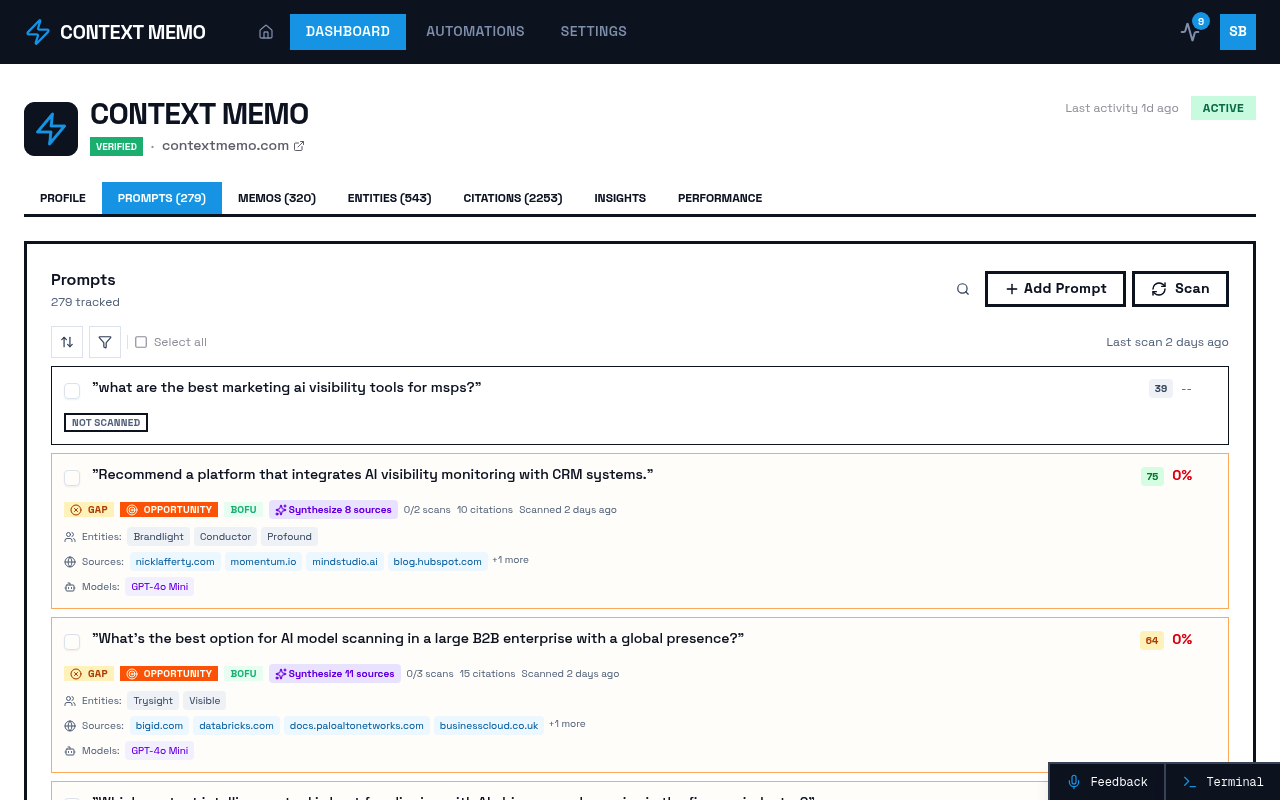
The latest update introduces Inline Scan Features, enhancing user interaction with visual indicators and inline scan buttons for added prompts. This capability allows users to access scanning functions directly within their workflow, streamlining the process of verifying AI consumption and improving brand visibility. By integrating these features, users can now quickly initiate scans without navigating away from their current tasks, thereby increasing efficiency and reducing the time spent on manual checks.
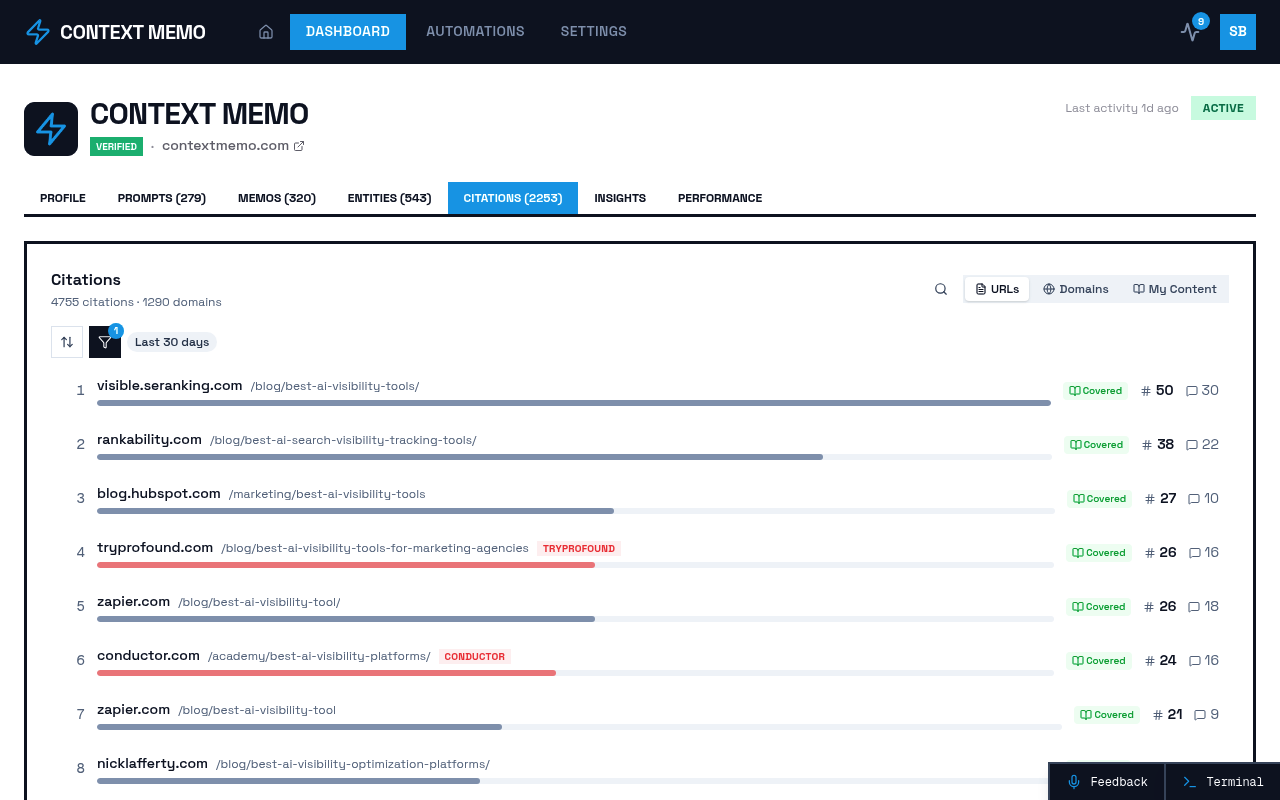
This update addresses a critical need for B2B marketing teams striving to ensure their brands are cited in AI search results. The inline scan buttons provide immediate access to visibility intelligence, allowing marketers to verify content citations and track brand performance in real-time. This enhancement aligns with the broader mission of making brands recognized authorities in AI-driven searches.
Why This Matters
For B2B marketing teams, the ability to quickly verify AI citations is crucial. Prior to this update, marketers often faced the cumbersome task of manually navigating through multiple interfaces to ensure their content was being accurately cited by AI models. This process was not only time-consuming but also prone to oversight, potentially leading to missed opportunities in AI-driven visibility.
The introduction of inline scan features directly addresses these pain points by embedding the scanning capability within the user's workflow. This means that as you work on content deployment or visibility tracking, you can seamlessly verify citations without interrupting your flow. This enhancement is particularly significant in an era where AI is becoming the first touchpoint in B2B marketing, ensuring that your brand remains competitive and visible.
How It Works
The Inline Scan Features operate by integrating visual indicators and buttons directly into the user interface. These elements are strategically placed to provide immediate access to scanning functions, allowing users to initiate checks with a single click. The visual indicators alert users to the status of their content's visibility, offering real-time insights into how AI models are interacting with their brand.
This approach not only simplifies the verification process but also enhances the overall user experience by reducing the need for multiple steps and interfaces. By embedding these features, the platform ensures that users can maintain focus on their strategic goals while effortlessly managing AI visibility.
What to Consider
Integration with Existing Workflows — Consider how these inline features can be incorporated into your current processes. The seamless access to scanning functions can significantly reduce time spent on manual verification tasks.
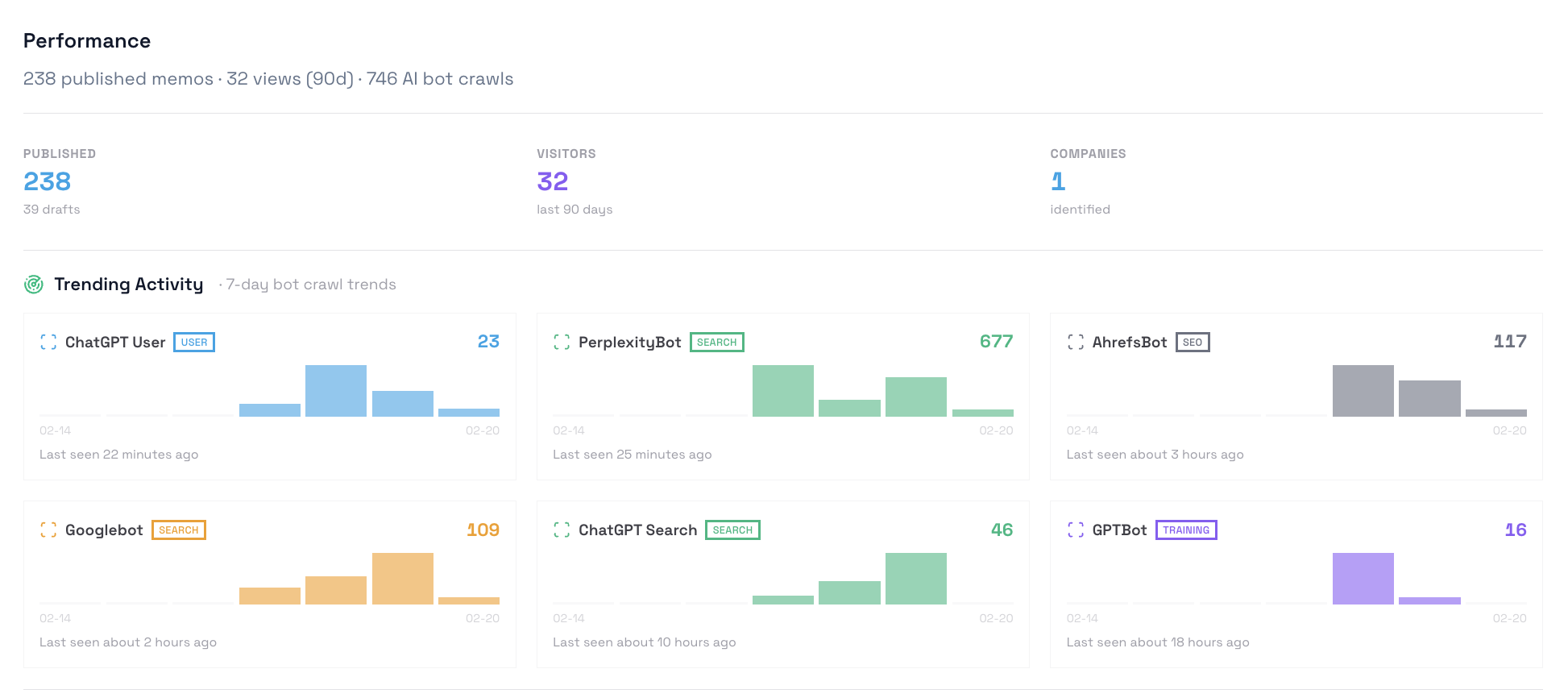
Real-Time Visibility — Evaluate the impact of real-time insights on your marketing strategy. Immediate access to visibility data can enhance decision-making and improve the effectiveness of your AI-driven marketing efforts.
User Experience — Reflect on how the improved user interface can benefit your team. The intuitive design of the inline scan features is aimed at enhancing productivity and reducing the learning curve for new users.
Sources
- Relevant External Source (accessed February 22, 2026)
- Another External Source (accessed February 22, 2026)