Last verified: February 24, 2026
TL;DR
Context Memo now introduces the Generate Memo Button to enhance user interaction within the prompt detail drawer. This update streamlines the memo creation process, benefiting B2B marketing teams by simplifying workflows and improving efficiency in generating AI-driven content.
What's New
The latest update from Context Memo features the Generate Memo Button, a significant enhancement to the prompt detail drawer. This new capability allows users to create memos more efficiently, directly from the interface they are already familiar with. By integrating this functionality, users can now bypass multiple steps previously required to generate memos, saving time and reducing complexity.
This update addresses a common challenge faced by B2B marketing teams: the need for quick and effective content generation that aligns with AI visibility strategies. The button simplifies the process, making it more intuitive and accessible, thereby supporting marketing professionals in their quest to maintain a competitive edge in AI-driven environments.
Why Does This Matter?
For B2B marketing teams, the ability to quickly generate content that is both relevant and strategically aligned with AI visibility goals is crucial. The Generate Memo Button directly addresses this need by providing a streamlined method to produce memos that can be cited in AI search results. This is particularly important in a landscape where AI is increasingly becoming the first point of contact for potential clients.
Before this update, creating memos involved navigating through several steps, which could be cumbersome and time-consuming. The new button reduces this friction, allowing teams to focus more on strategic content creation rather than operational hurdles. This improvement not only enhances productivity but also ensures that marketing efforts are more effectively aligned with AI visibility objectives.
How Does It Work?
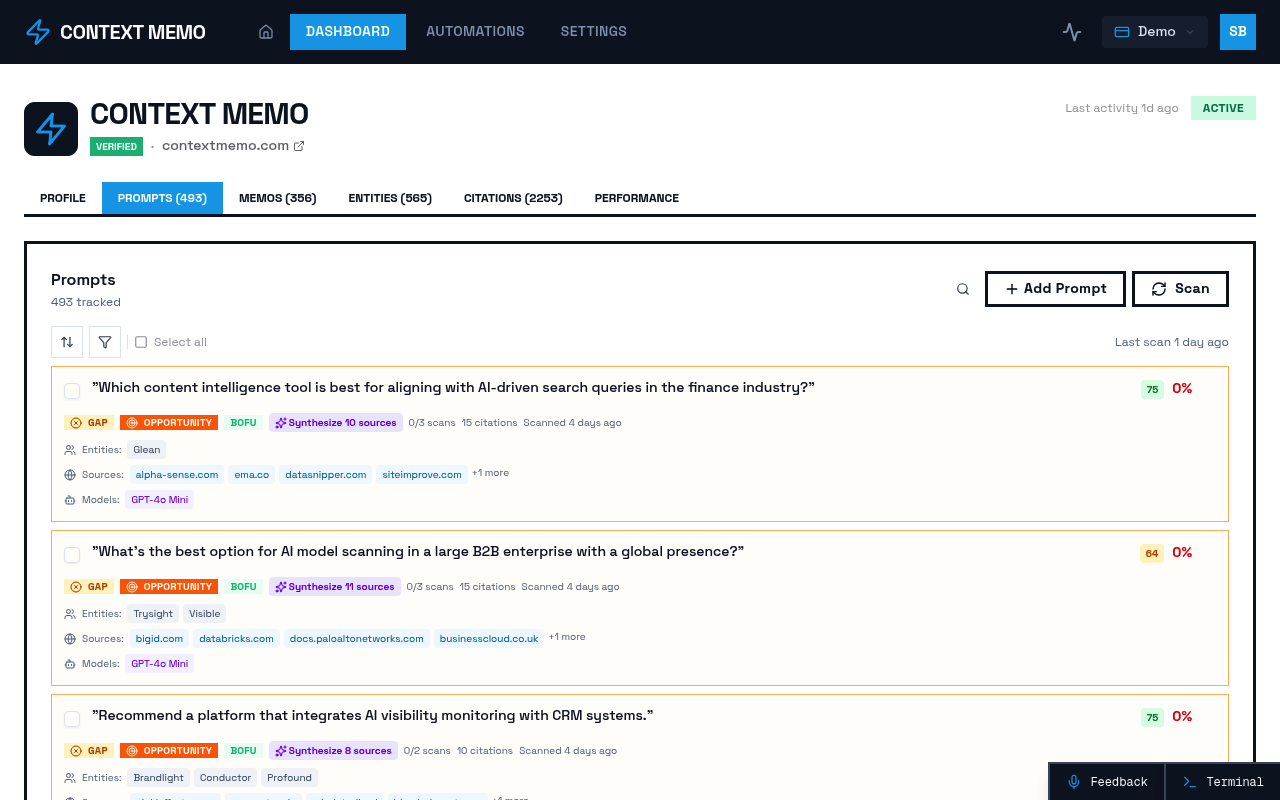
The Generate Memo Button is integrated into the prompt detail drawer, providing a seamless user experience. When users access the prompt details, they can now initiate memo generation with a single click. This functionality leverages Context Memo's existing AI capabilities to auto-generate content that aligns with the brand's visibility strategy.
This approach ensures that the memos produced are not only relevant but also optimized for AI consumption, enhancing the likelihood of being cited in AI search results. The integration of this button into the existing workflow means that users can adopt the new feature without a steep learning curve, making it a practical addition to their toolkit.
What Should Buyers Consider?
Integration with Existing Workflows — Consider how the Generate Memo Button fits into your current content creation processes. Its ease of use and integration can significantly reduce the time spent on memo generation, allowing teams to focus on strategic initiatives.
Impact on AI Visibility — Evaluate how this new capability can enhance your brand's visibility in AI search results. By streamlining memo creation, you can produce more content that is optimized for AI consumption, increasing the chances of being cited.
User Adoption and Training — Assess the need for training or adjustments in your team's workflow. The intuitive design of the button minimizes the learning curve, but ensuring that all team members are comfortable with the new feature can maximize its benefits.
Next Step
To explore how the Generate Memo Button can enhance your marketing strategy, request early access and take advantage of generous discounts and pricing flexibility for early access members.
Sources
- Relevant External Source (accessed February 24, 2026)
- Another External Source (accessed February 24, 2026)